LanguageEnglish简体中文繁體中文日本語한국어Deutsch
PUBG: BATTLEGROUNDS / game guide
API consumers: match identity, telemetry interpretation and reproducible data analysis.

PUBG: BATTLEGROUNDS API and telemetry field guide

PUBG API and telemetry explained through request flows, event interpretation and map handling.

Official game website ↗Steam store ↗www.pubg.com

External official page opens in a new tab. This is a guide.

Choose the problem you want to solve ↓
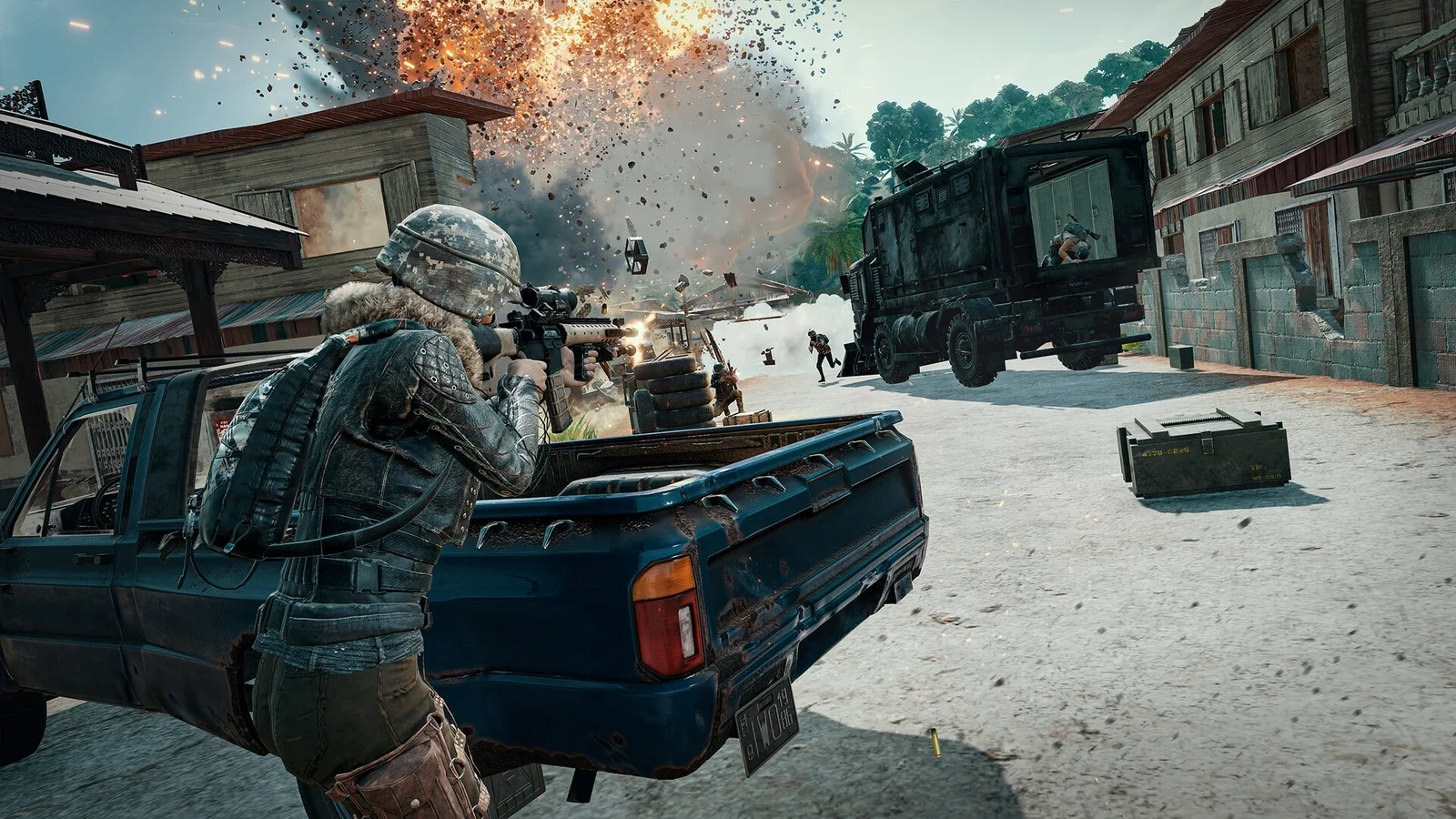
A moving firefight around a pickup
A moving firefight around a pickup · PUBG: BATTLEGROUNDS — PUBG Corporation / KRAFTON, Inc. · Source page ↗
01 / Start here

Choose the problem you want to solve

Turn a match identifier into a defensible replay question. Start with the correct platform and account, follow resource relationships to the match asset, then interpret a short event sequence before building totals or drawing routes. This site is for people inspecting PUBG API data, not a live stats service. Tokens stay in your private environment. The linked developer documentation supplies field definitions; examples below are illustrative and do not impersonate a fetched player match.
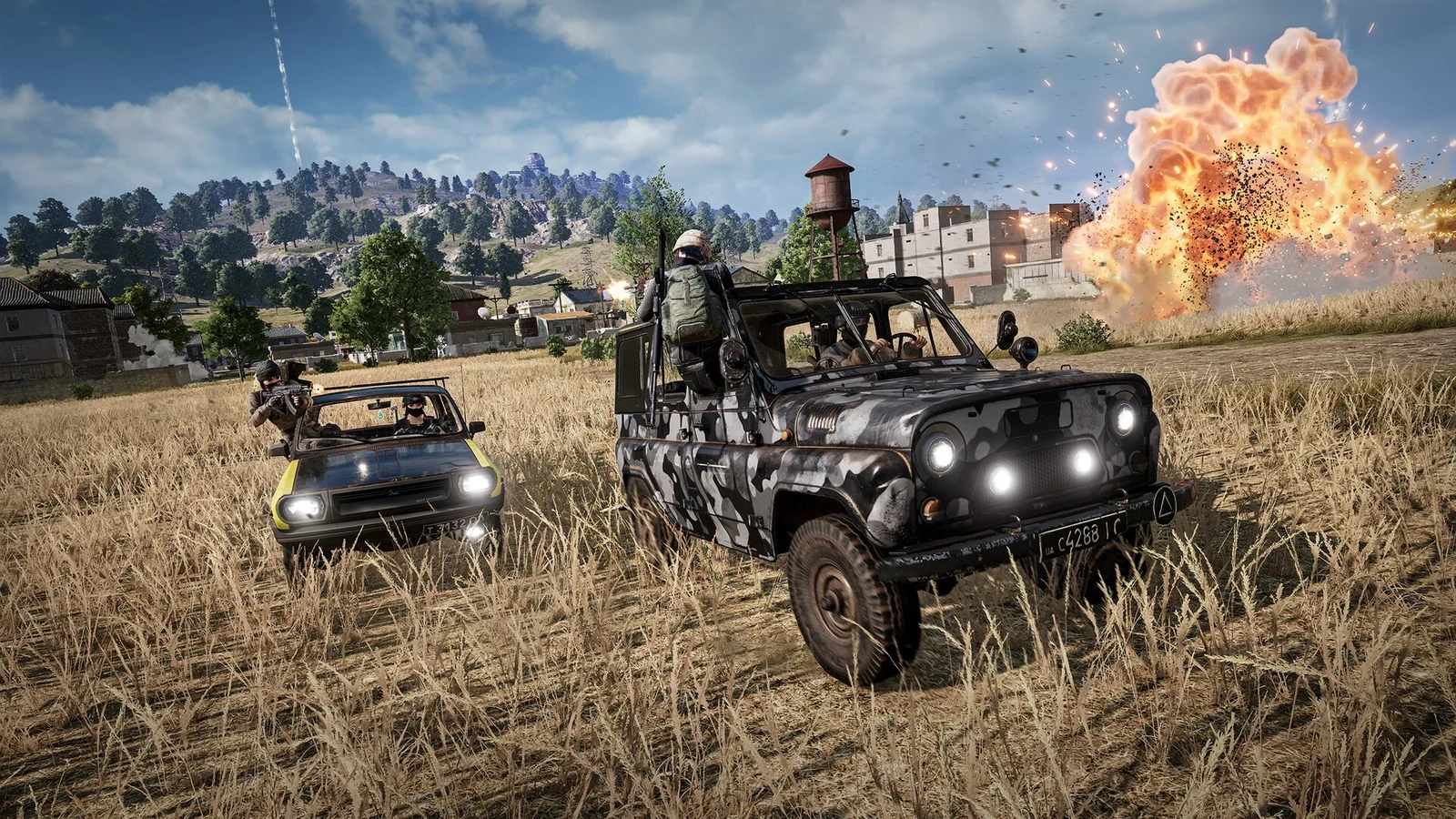
Vehicles crossing open terrain01

Fetch a match and find its telemetry

Resolve the supported platform shard and account, fetch an available match and follow its related telemetry asset URL. Index included resources by type and ID instead of counting them as players. Preserve match metadata separately from telemetry so a failed download can be retried without repeating every lookup.

Full steps and alternatives ↗
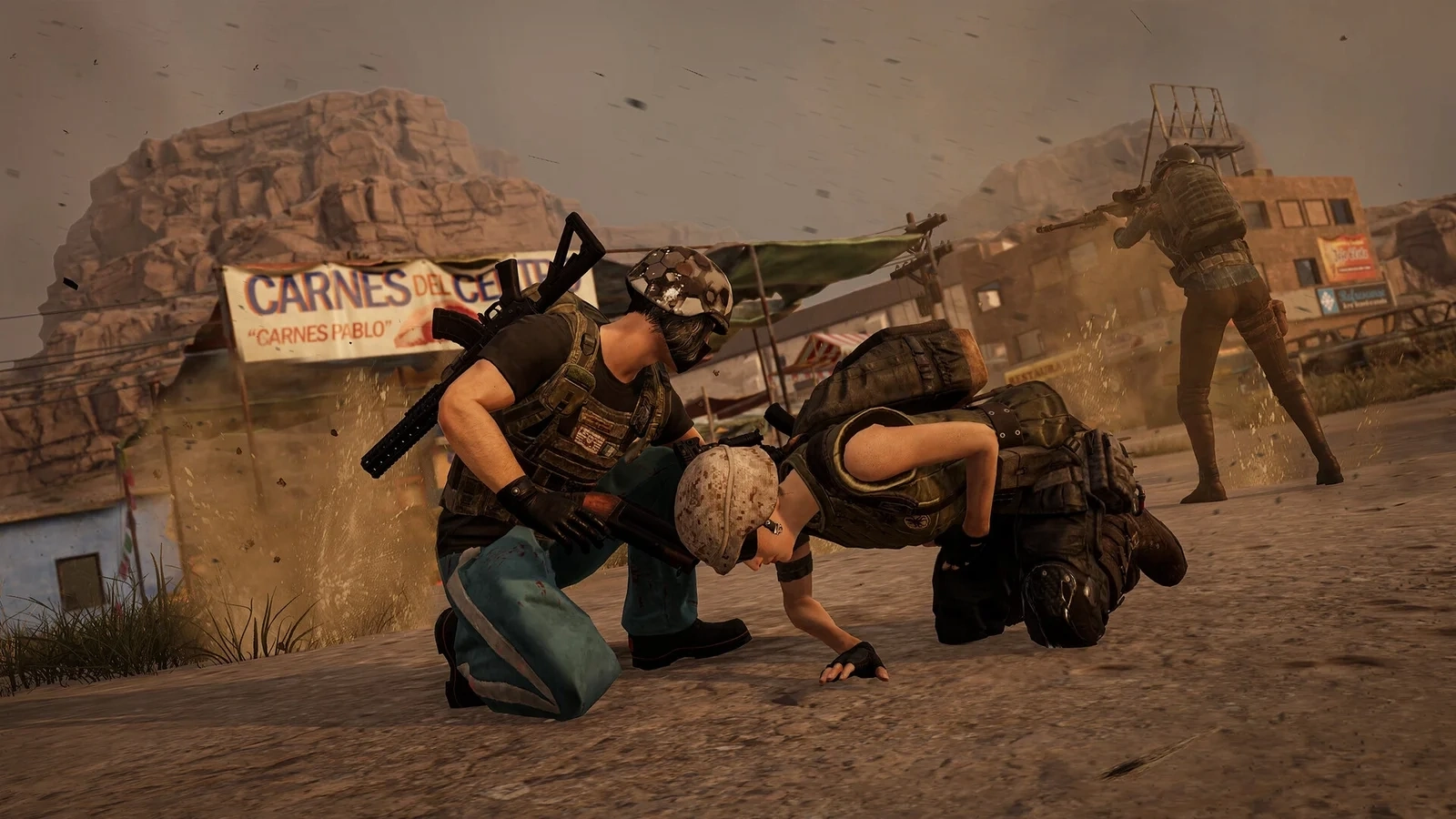
Close-range encounter near buildings02

Damage is not an elimination table

Define the question and event scope before summing. Inspect event type, timestamp, actor and victim; keep absent actors absent. Damage, knock and elimination answer different questions, and later event versions can require different interpretation. Validate a short ordered sequence against the official definitions before aggregating a whole match.

Full steps and alternatives ↗
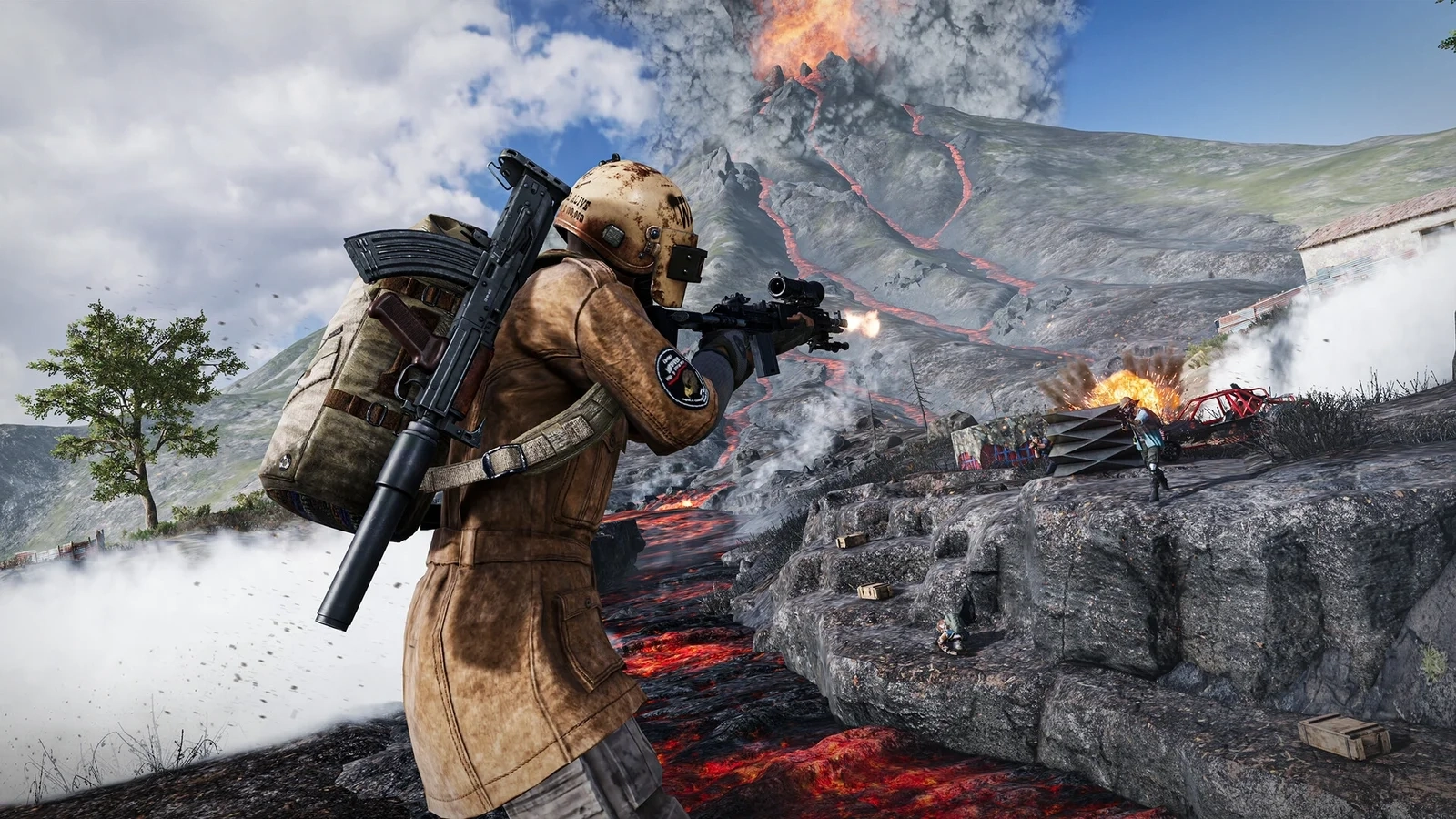
An armed player on rocky high ground03

Calibrate a map before drawing a route

Confirm map identity, dimensions, axis direction and coordinate units before drawing. Validate several known positions against the chosen image and preserve gaps in the event stream. A line between recorded positions is an interpolation, not proof of the route a player traveled.

Full steps and alternatives ↗

How these guides connect

Fetch and preserve the response first. Validate one player's damage sequence next. Calibrate the map before adding coordinates. If an output looks wrong, check data availability and known issues before interpreting it as player behavior.

Explore the guides ↗

Before you follow a guide

Check your installed build, platform and available features. Historical announcements explain their stated version; practical examples are illustrative, not claimed playtests.

Read the source references ↗

Quick questions

Where do I begin?

Fetch and preserve the response first. Validate one player's damage sequence next. Calibrate the map before adding coordinates. If an output looks wrong, check data availability and known issues before interpreting it as player behavior.

Does this describe every version?

Check your installed build, platform and available features. Historical announcements explain their stated version; practical examples are illustrative, not claimed playtests.

Where can I confirm official details?

Use the clearly marked official game link for product information, account services and developer updates. The sources page lists the references behind these guides.

PUBG: BATTLEGROUNDS

Use the clearly marked official game link for product information, account services and developer updates. The sources page lists the references behind these guides.

Official game website ↗

External official page opens in a new tab. This is a guide.

A closer look

All screenshots ↗
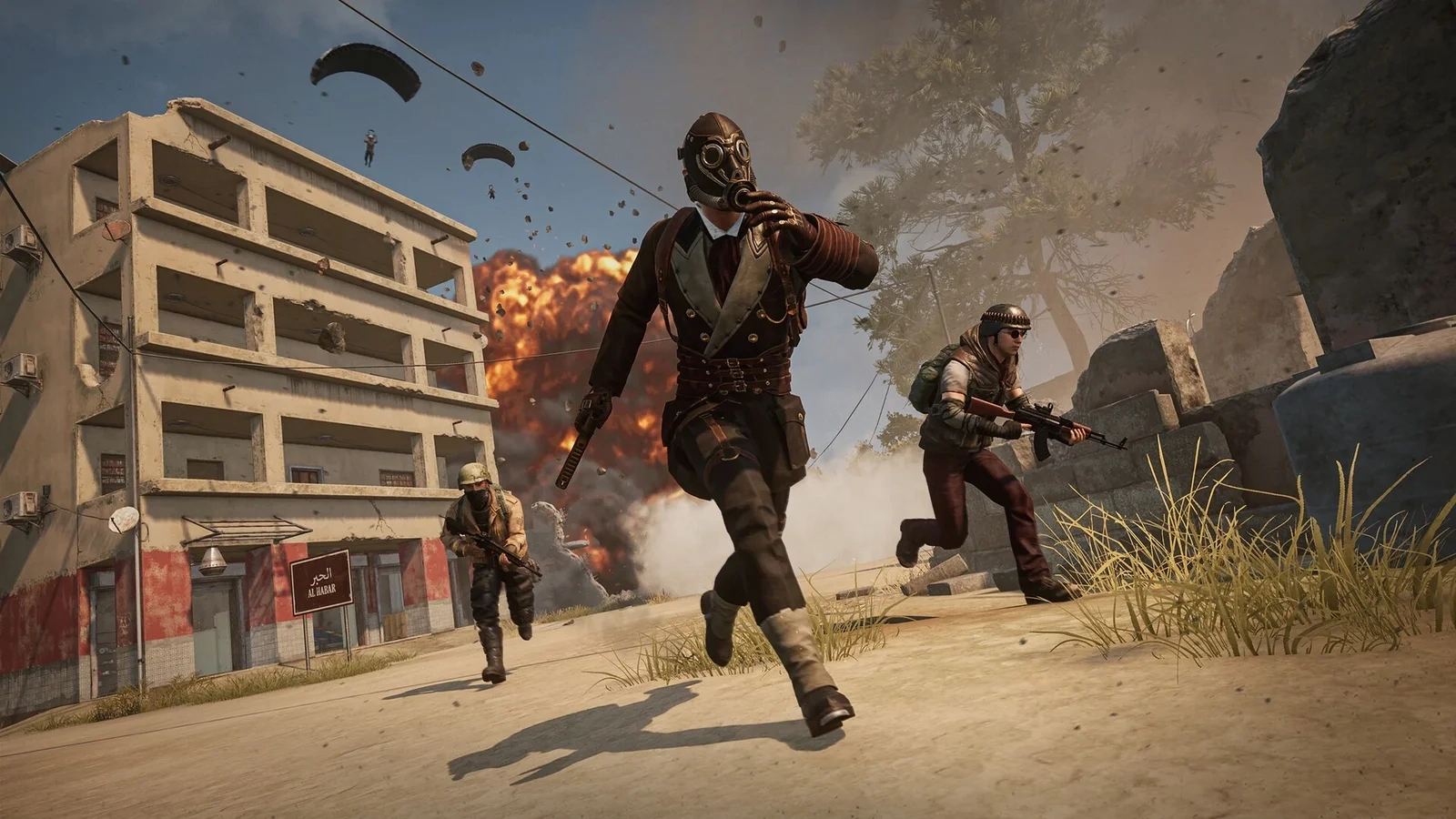
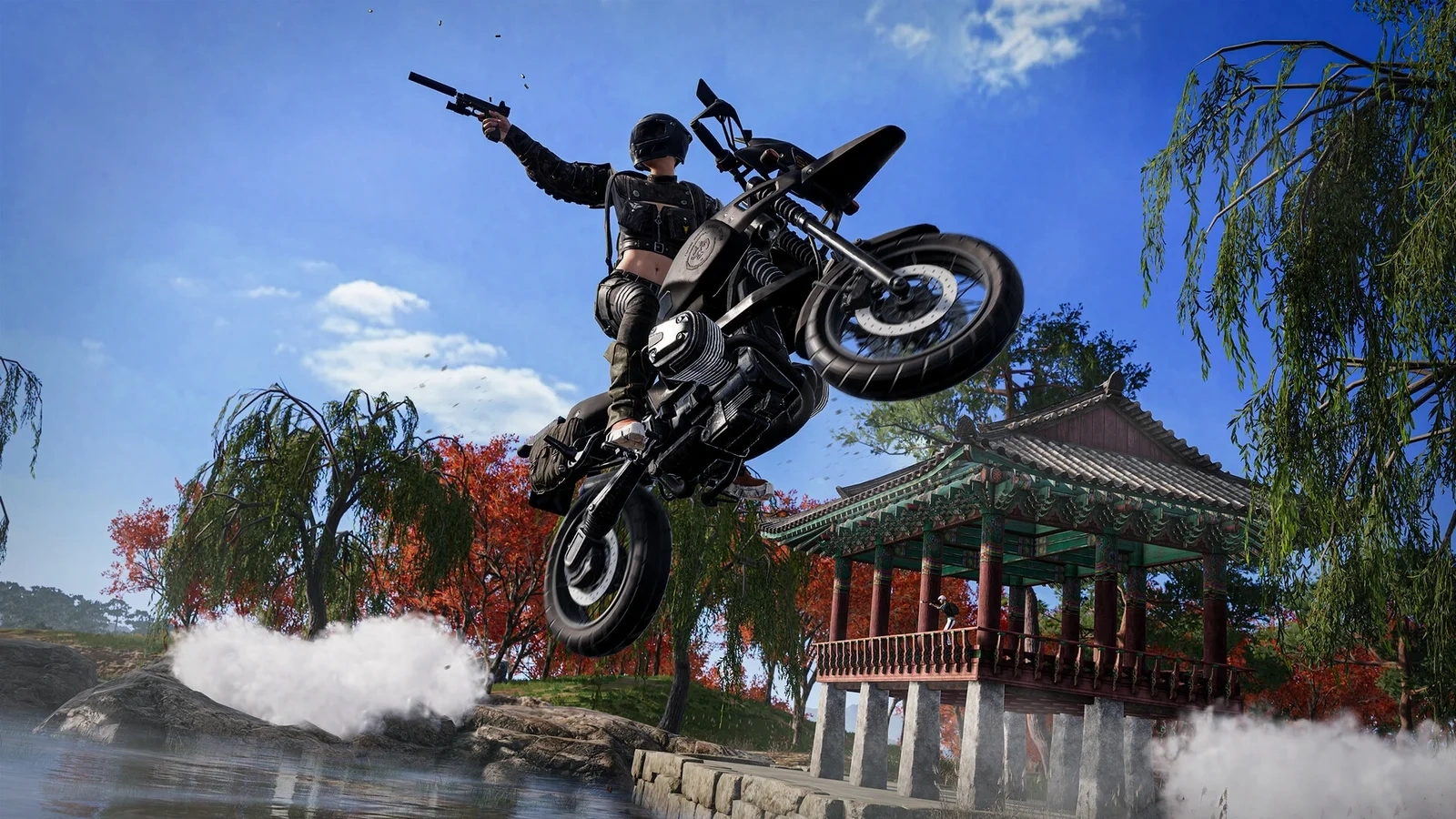
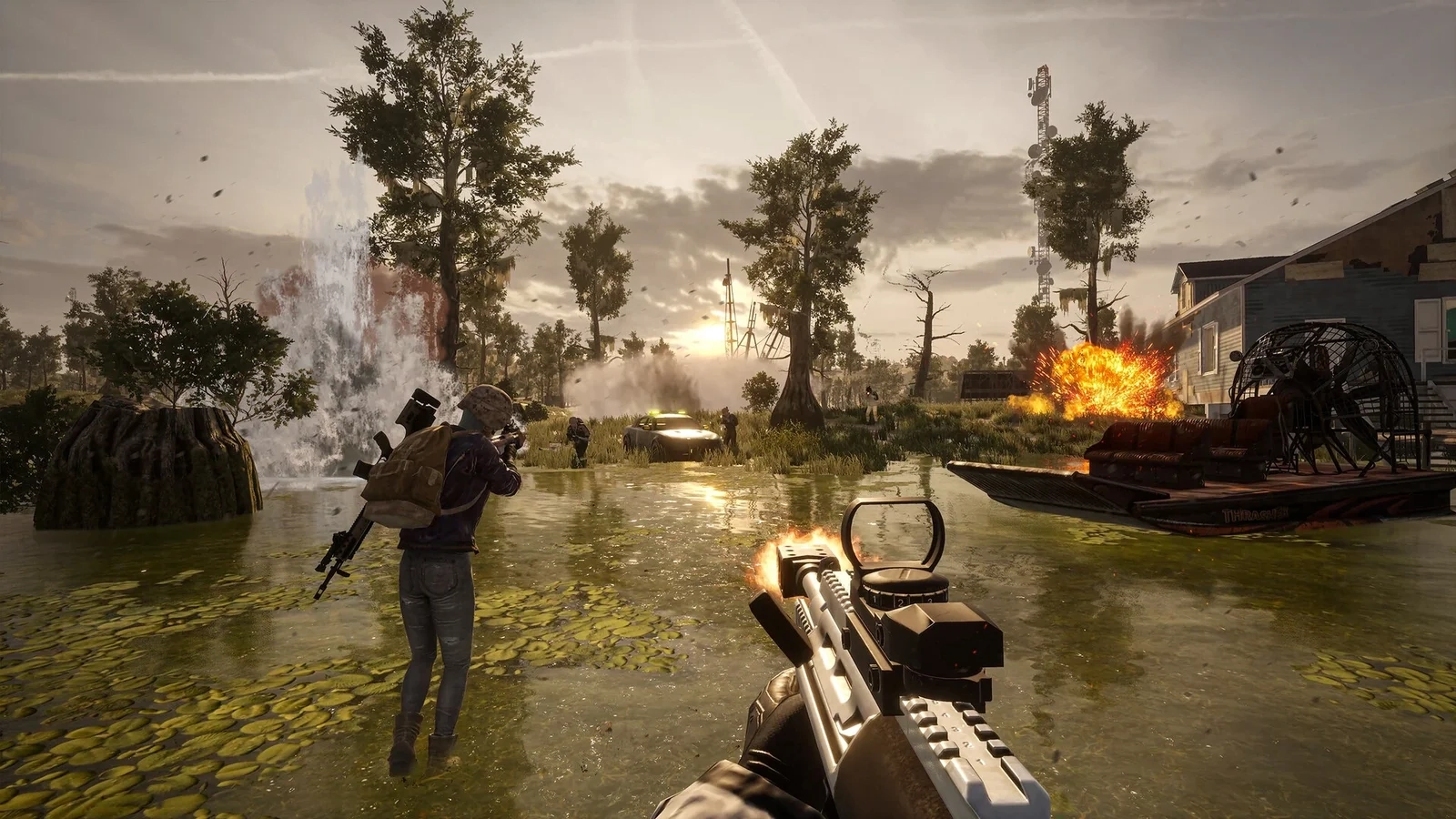
Players moving through a settlementA motorcycle jump near traditional buildingsFirst-person combat at dusk

Screenshots are promotional material from the linked Steam product page. They may show a different build or platform.

More answers for this task